
SilverWebBuzz

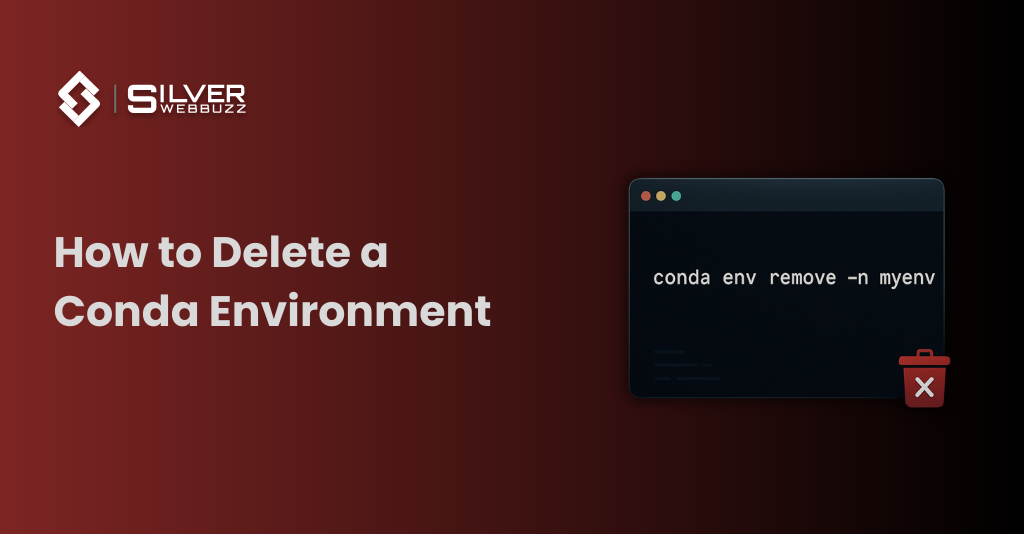
How to Delete a Conda Environment

How to Delete a Conda Environment
Get in Touch With Us
Submitting the form below will ensure a prompt response from us.

    A quick, precise guide to delete or remove a Conda environment safely.

    How to Delete a Conda Environment

    Use this command to delete a Conda environment by name:

    conda env remove -n your_env_name

    1. Delete a Conda Environment by Name

    conda env remove -n ENV_NAME

    • Replace ENV_NAME with your environment name.
    This is the standard method for anyone asking how to delete conda environment or how to remove conda environment.

    2. Delete a Conda Environment by Path

    If the environment was created with a custom path:

    conda env remove -p /full/path/to/env

    Useful when how to delete a conda environment fails due to duplicate names.

    3. Verify the Environment Is Gone

    List all environments:

    conda env list

    If the name or path no longer appears, the delete is successful.

    4. Troubleshooting (Quick Fixes)

    Environment is currently active” → Run:

     conda deactivate

    • Environment not found” → Check the exact name in conda env list.
    • Leftover files remain → Manually delete the folder from envs/.
    • Windows path lock issue → Close terminals, VS Code, Jupyter, or Python processes.
    • Permissions error → Run terminal as Administrator (Windows) or usesudo
      on Linux/macOS.
    • Still not removed → Use path-based removal with -p.

    5. Optional Cleanup (Conda Cache)

    Free unused package files:

    conda clean –all

    About Author

    Bhavik Koradiya is the CEO / Co. Founder of Silver WebBuzz Pvt. Ltd. Having 18+ years Experience in LAMP technology. I have expert in Magento, Joomla, WordPress, Opencart, e-commerce and many other open source. Specialties: Magento, WordPress, OpenCart, Joomla, JQuery, Any Open source.

    Related Q&A

    Scroll to Top